
Run a Printer Self Test with an SD360
Running a printer self test is a central step to resolving many potential issues with a Datacard SD360 printer. Follow these steps to run a self test.
Printer Self Test
- Press the User button to enter the menu system.
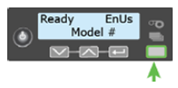
- Suspended displays on line 1 of the LCD panel. Press Enter.
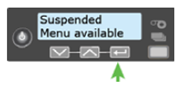
- Maintenance displays on line 1. Press Enter.
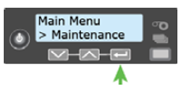
- Cleaning Card displays on line 2. Press the down arrow key.
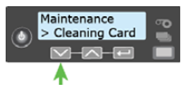
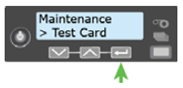
- Test Card displays on line 2. Press Enter.
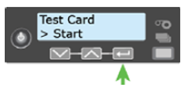
- Start displays on line 2. Press Enter to print the test card.
If you continue to experience problems, please contact AlphaCard technical support.
